Start with an image
Describe a product shot, illustration, or launch visual. Choose your settings in Image Studio before generating.
Create images, write LinkedIn posts, and schedule them in one place. Start with an image for your next product, project, or idea.
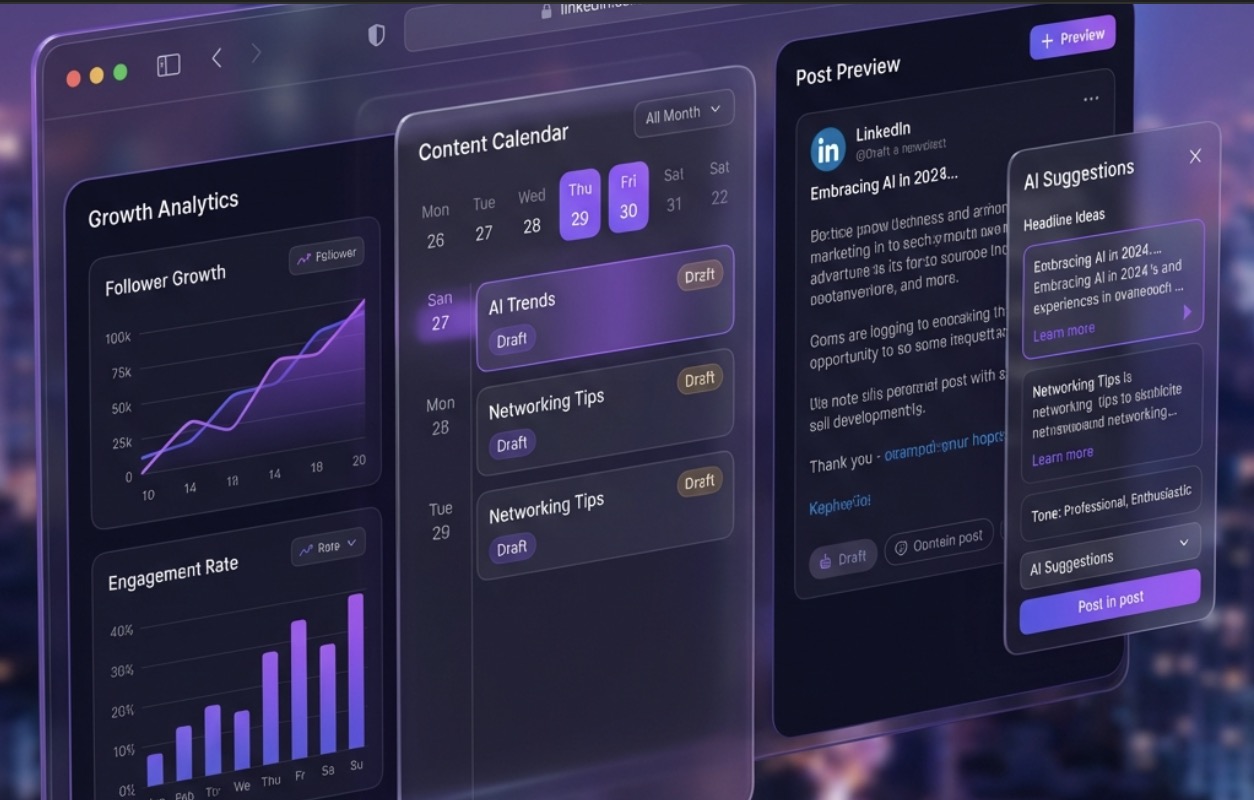
For your next product, project, or professional update. Keep the images and the writing in one place.
Describe a product shot, illustration, or launch visual. Choose your settings in Image Studio before generating.
Turn an idea into a LinkedIn draft. Edit the details and make it sound like you before publishing.
Schedule posts for your LinkedIn profile or company page instead of starting from scratch each day.
Use autopilot to plan and schedule content around your brand. Set your preferences and manage upcoming posts from your dashboard.
Explore LinkedIn toolsChoose the LinkedIn profile or company page you want to publish to.
Add your brand details and choose a posting schedule.
See upcoming posts and adjust your plan as your work changes.
Enter your website to get an AI-generated brand summary. Treat it as a starting point, not a measure of your actual reach.
Start with a brief. You stay in control of when an image is generated.
Have an image in mind? Write your brief first